
 itch.io
 Gumroad
Community
How to Share Better Mac Problems and Praises
A practical guide to writing useful community posts that help Mac users compare the details worth fixing, improving, or celebrating.
 Follow on X
 Join Reddit
Choose problem or praise
A problem is something you would change, fix, simplify, or make less annoying. It might be a missing feature, a confusing setting, a repeated workflow snag, or a place where macOS feels slower than it should.
A praise is something that works well and deserves attention. Praises matter because good software ideas often come from noticing what already feels thoughtful, calm, or surprisingly useful.
If you are unsure which side your post belongs on, ask yourself what you want other people to do with it. If you want them to recognize a pain point, share it as a problem. If you want them to notice and celebrate a helpful detail, share it as a praise.
Write a clear title
The title should make sense before someone opens the full post. Specific titles are easier to rank, share, and discuss than broad ones.
Instead of writing "Finder is annoying," try "Finder forgets custom folder view settings." Instead of "Notifications are bad," try "Notification controls are scattered across too many settings screens."
For praise, use the same clarity. "Stage Manager is good" is less useful than "Stage Manager makes temporary app groups easy to revisit." A good title names the behavior, not just the emotion.
Describe the context
The body of a post should explain when the detail appears, what you expected, and why it matters. You do not need a long essay. A few focused sentences are usually enough.
Useful context can include the app or macOS area involved, the kind of work you were doing, how often it happens, and what would make the experience feel better.
Try to separate the observation from the proposed solution. "I lose track of new screenshots after taking several in a row" is an observation. "Screenshots should have a temporary shelf" is a possible solution. Both can be useful, but the observation helps more people recognize whether they share the same issue.
Leave out personal information
Community posts can become public after moderation, so do not include private details, email addresses, serial numbers, private file names, screenshots with sensitive content, or anything you would not want visible on the web.
Display names are optional. You can share a post without attaching your personal name, and new submissions and comments are reviewed before they appear publicly.
The goal is to describe the Mac experience clearly while keeping personal context out of the public content.
Use upvotes as signal
Upvotes help turn individual posts into a community-ranked list. If a problem matches your own experience, an upvote says, "This happens to me too." If a praise matches something you value, an upvote helps that detail rise as something worth preserving or learning from.
You do not need to comment on every post. Sometimes the most useful participation is simply adding signal to the posts that feel familiar.
That signal can help QuietWare understand which small Mac frictions are most common and which positive details are worth carrying into future app ideas.
Join the community board
The board is built for lightweight participation. You can browse approved posts, switch between Problems and Praises, search by category, upvote posts that resonate, and submit your own details without creating an account.
Start by reading a few existing posts. Notice what feels familiar. Upvote the ones you recognize, then add a new post when you have a detail that is specific enough for other Mac users to compare.
Visit Our Mac Problems & Praises when you want to share a Mac frustration, celebrate a detail that works well, or help shape what QuietWare should pay attention to next.
Conclusion
Better community posts are clear, specific, and easy for other people to recognize. Name the Mac detail, explain the context, avoid personal information, and let upvotes show which experiences are shared.
The Mac is full of tiny moments that either smooth the day or snag it. Our Mac Problems & Praises is a place to notice those moments together.
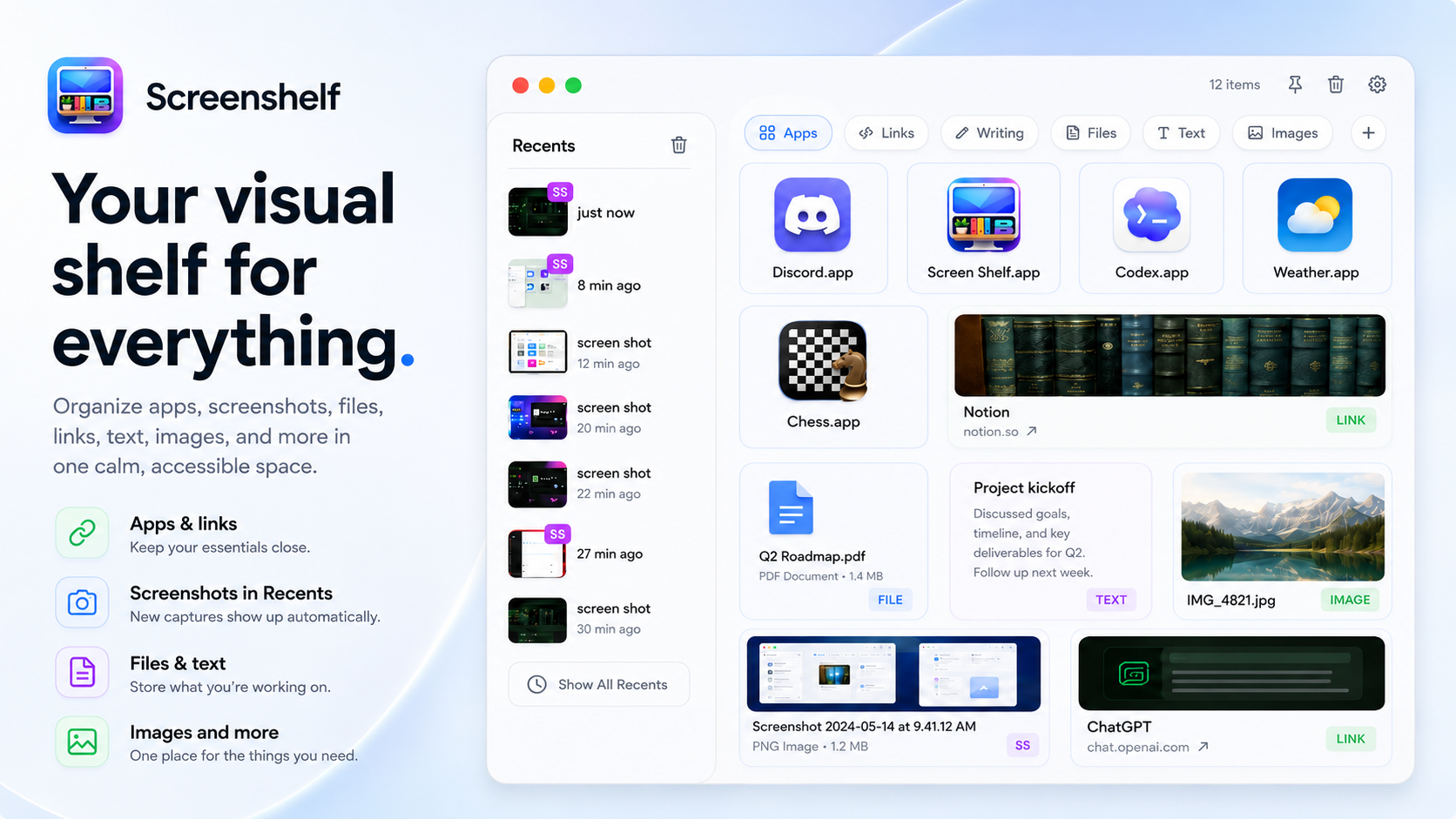
 Related: ScreenShelf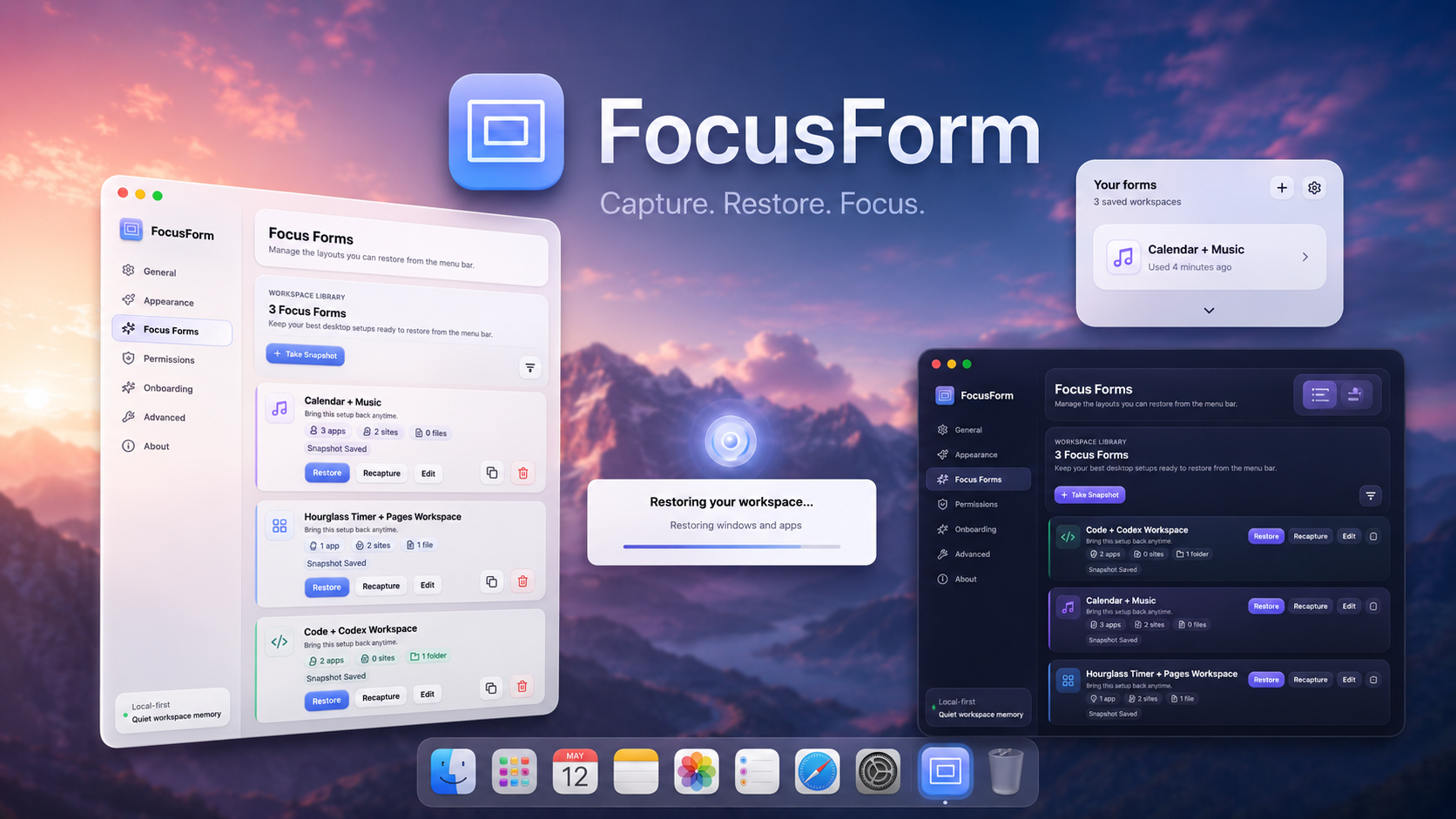
 Related: FocusForm
Add useful comments
Comments are best when they add context, a variation, or a practical workaround. If someone posts about window layouts shifting after reconnecting a display, a useful comment might explain which monitor setup triggers it for you or what temporary fix has helped.
For praise, a useful comment might explain why the detail works well in a real workflow. The best comments make the original post easier to understand, not louder.
Like posts, comments are reviewed before appearing publicly. Keep them specific, respectful, and free of private information.